

Introduction
Smart household gadgets are becoming practical additions to modern homes. They can automate everyday routines, make household management more convenient and help you monitor different parts of your living space without constantly adjusting appliances manually.
From smart plugs that control ordinary electrical devices to robot vacuums that handle scheduled cleaning, today’s connected gadgets offer solutions for different household needs. Some focus on security, while others help manage lighting, temperature, cleaning and indoor activities.
However, not every smart gadget is necessary for every home. The best choices depend on your budget, existing appliances, preferred smart-home platform and the tasks you want to simplify.
Here are 10 smart household gadgets worth considering in 2026, along with their practical uses and important buying considerations.
Read More: 7 Must Have Affordable Geek Gadgets Under $100
Quick Comparison: Best Smart Household Gadgets
| Gadget | Product Recommendation | Best For | Prices |
| Smart home controller | Amazon Echo Dot Max | Voice control and routines | $119.99 |
| Video doorbell | Eufy Video Doorbell E340 | Front-door monitoring | $119.99 |
| Smart security camera | Aqara Camera Hub G5 Pro | Home monitoring and automation | $159.99 |
| Smart plug | TP-Link Tapo P110M | Appliance scheduling | $35.99 |
| Smart lighting | Philips Hue Smart Lighting | Automated lighting | $41.99 |
| Smart thermostat | ecobee Smart Thermostat Premium | Temperature management | $245 |
| Robot vacuum | Roborock Qrevo Curv | Automated floor cleaning | $650 |
| Smart lock | Yale Assure Lock 2 | Keyless home access | $256.44 |
| Indoor smart garden | Click & Grow Smart Garden | Growing herbs indoors | $101.60 |
| Smart sprinkler controller | Rachio 3 Smart Sprinkler Controller | Automated outdoor watering | $199 |
Product availability, features and compatibility can vary by model and region. Check the manufacturer’s current specifications before purchasing.
1. Smart Home Controller: Amazon Echo Dot Max
A smart home controller can make managing multiple connected devices easier. Instead of opening separate apps to adjust lights, check compatible devices or activate routines, you can use a central voice assistant.
The Amazon Echo Dot Max is a smart speaker option for households using Alexa-compatible devices. It can help control connected lights, plugs and other compatible appliances through voice commands and routines.
For example, you could create a morning routine that switches on selected lights, provides a weather update and starts a connected appliance. An evening routine could turn off selected lights and activate compatible security devices.
Why consider it?
- Control compatible smart-home devices using voice commands.
- Create routines for recurring household tasks.
- Manage supported lights, plugs and appliances from one ecosystem.
- Use voice assistance for timers, reminders and everyday questions.
What to check before buying: Alexa compatibility does not mean every smart device will work with every feature. Check the product’s supported integrations and whether a separate hub is required.
Best for: Beginners who want to build a connected home gradually.
2. Smart Video Doorbell: Eufy Video Doorbell E340
A smart video doorbell helps you monitor activity at your front entrance, including visitors and package deliveries.
The Eufy Video Doorbell E340 uses two cameras: one faces visitors while the other provides a view of the area near the doorstep. Its features include 2K video, color night vision and battery or wired installation options.
The model also supports local storage through a compatible microSD card, which is sold separately. This can appeal to households that prefer storing recordings locally rather than relying entirely on a paid cloud-storage plan.
Why consider it?
- Check who is at your door using a compatible smartphone app.
- Monitor package deliveries and doorstep activity.
- Receive motion and visitor notifications.
- Choose between battery-powered and wired installation.
What to check before buying: Review the storage setup, Wi-Fi requirements, installation arrangement and compatibility with your existing doorbell wiring. Motion alerts and video recording also depend on device settings and network conditions.
Best for: Homeowners and renters who want more visibility around their front entrance.
3. Smart Security Camera: Aqara Camera Hub G5 Pro
A smart security camera can help you check activity around your home while you’re away. It can also become part of a broader automation setup when it supports compatible smart-home protocols.
The Aqara Camera Hub G5 Pro is an interesting option because it combines an outdoor camera with smart-home hub functionality. It offers Quad HD resolution, color night vision, a built-in spotlight and support for Zigbee and Thread devices.
The device also supports Matter integration, allowing compatible devices to connect across supported smart-home ecosystems.
Why consider it?
- Monitor selected outdoor areas through a connected camera.
- Receive alerts from supported detection features.
- Use the built-in hub functionality to expand a compatible smart-home setup.
- Explore local storage and network-streaming options.
What to check before buying: The G5 Pro has Wi-Fi and Power over Ethernet versions, so select the installation type that matches your home network. Check supported integrations, recording options and privacy settings before purchasing.
Best for: Households interested in combining security monitoring with broader smart-home automation.
4. Smart Plugs: TP-Link Tapo P110M
Smart plugs are among the easiest smart household gadgets to introduce into an existing home. They let you control compatible electrical devices through an app or supported voice assistant without replacing the appliance itself.
The TP-Link Tapo P110M is a compact smart plug with Matter support and energy monitoring. It can track the electricity consumption of connected devices, create schedules and provide remote on/off control.
For example, you can schedule a compatible lamp to turn on in the evening or switch off an appliance remotely when appropriate.
Why consider it?
- Turn compatible appliances on or off remotely.
- Create schedules and automatic routines.
- Monitor the energy consumption of connected devices.
- Integrate with supported Matter-compatible smart-home platforms.
What to check before buying: Smart plugs have electrical load limits. Check the rated voltage, current and appliance requirements before connecting anything. Avoid using a smart plug with appliances that require continuous operation or should not be remotely switched.
Energy monitoring also does not automatically guarantee lower electricity bills. Savings depend on how you use the connected appliance.
Best for: Beginners who want an affordable entry point into home automation.
Check Out: Useful Smart Gadgets
5. Smart Lighting: Philips Hue Smart Lighting
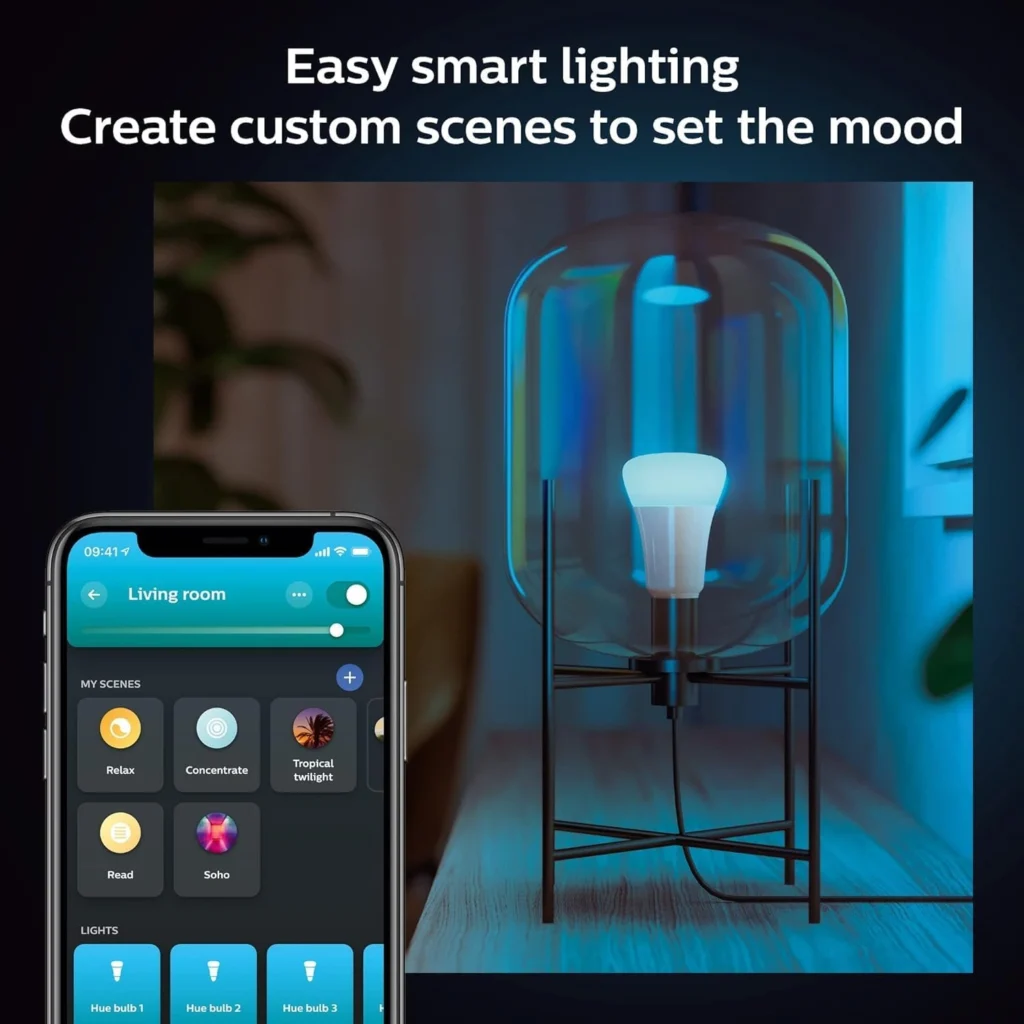
Smart lighting can change how you use different rooms throughout the day. Instead of manually switching every light, you can adjust brightness, set schedules and create lighting scenes through a compatible app or voice assistant.
Philips Hue offers smart LED bulbs and lighting accessories that support different lighting configurations. Depending on the selected products and setup, you can adjust brightness, choose colors and create automated lighting routines.
For example, you could set softer lighting in the evening, brighter illumination for a home office or motion-triggered lights in selected areas.
Why consider it?
- Adjust brightness through a compatible app.
- Create lighting scenes for different activities.
- Schedule lights to switch on or off.
- Connect supported lights with compatible smart-home systems.
What to check before buying: Some Hue products work through Bluetooth, while broader installations can benefit from a Hue Bridge. Check whether the selected bulb supports your preferred ecosystem and whether you need a separate bridge or motion sensor.
Smart lighting can make routines more convenient, but it should not be treated as a guaranteed solution for improving sleep.
Best for: Households looking to automate lighting and customize different rooms.
6. Smart Thermostat: ecobee Smart Thermostat Premium
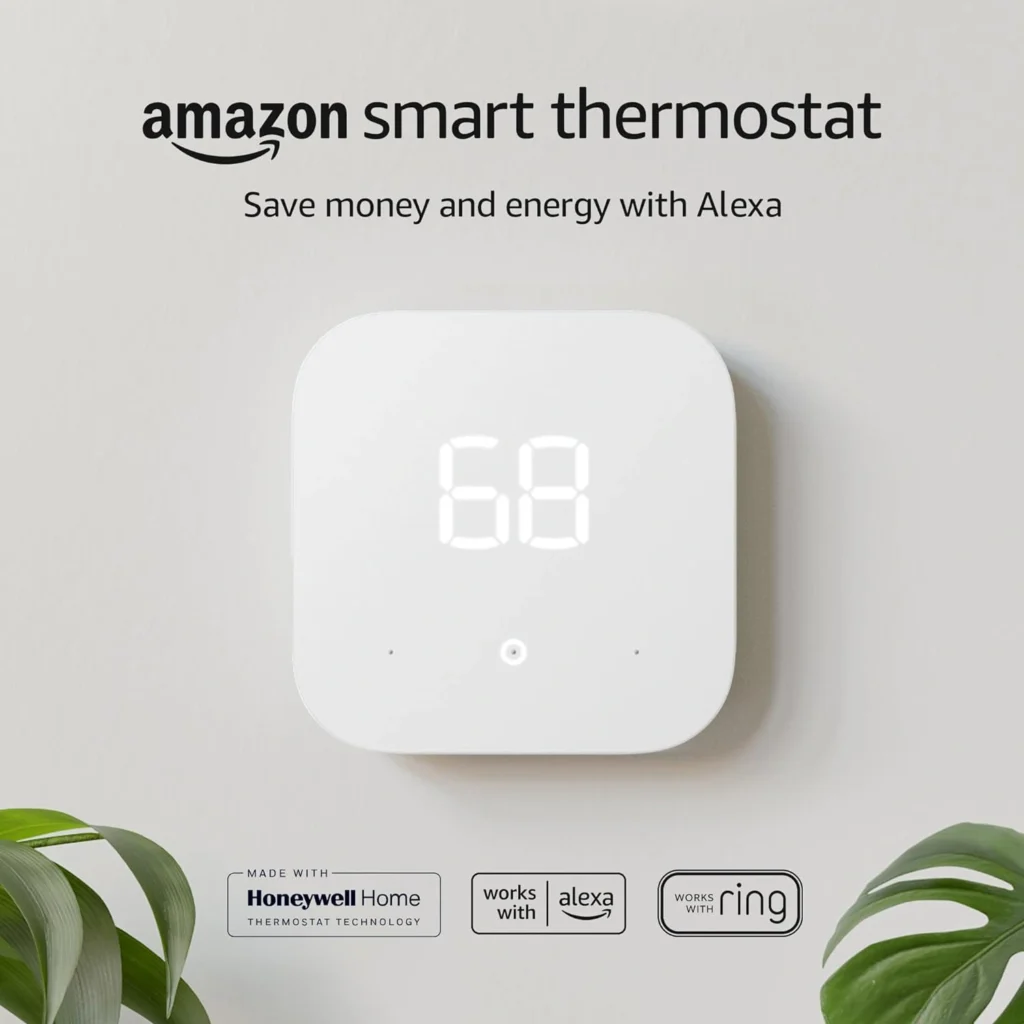
A smart thermostat can help manage heating and cooling schedules without requiring manual temperature adjustments throughout the day.
The ecobee Smart Thermostat Premium combines temperature and occupancy sensing with app-based controls and scheduling features. It also supports compatible smart-home platforms and includes a SmartSensor for monitoring conditions in another room.
Its scheduling features can help adjust heating and cooling based on household routines. Smart Home and Away functionality can also respond to occupancy information.
Why consider it?
- Adjust temperature remotely through a compatible app.
- Create heating and cooling schedules.
- Monitor temperature and occupancy in selected rooms.
- Use supported voice-control features.
- Explore energy-management settings.
What to check before buying: Thermostat compatibility depends on your heating and cooling system. Check the HVAC compatibility tool, wiring requirements and installation instructions before ordering.
A smart thermostat may help reduce unnecessary heating or cooling, but actual energy savings depend on the home, climate, insulation, utility rates and usage habits.
Best for: Households with compatible HVAC systems that want more convenient temperature management.
7. Robot Vacuum: Roborock Qrevo Curv
Cleaning is one of the most repetitive household tasks, and robot vacuums can help reduce the amount of manual floor maintenance required.
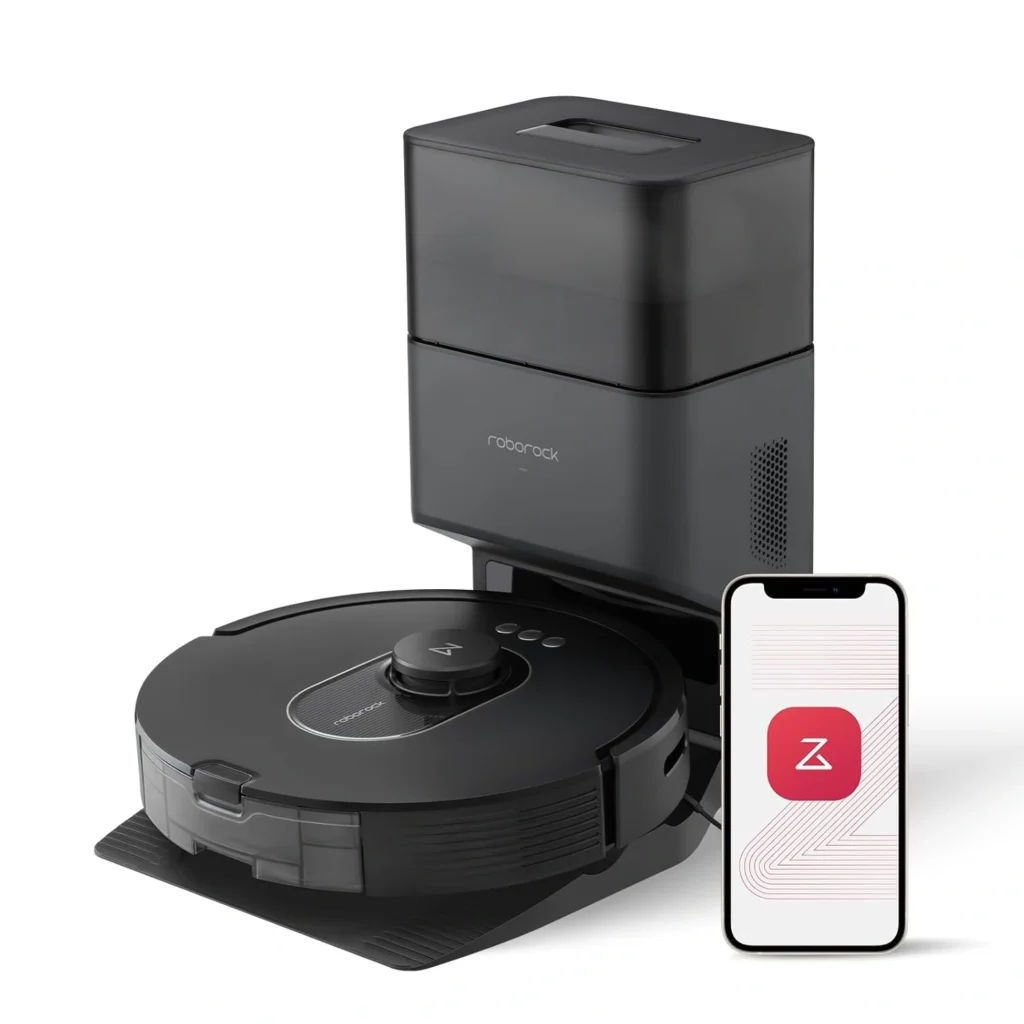
The Roborock Qrevo Curv combines automated vacuuming with mopping features. Its product specifications include a dual anti-tangle system, adaptive chassis technology and a multifunctional docking station.
Depending on the selected cleaning settings and home layout, the device can map rooms, follow scheduled cleaning routines and handle selected floor-cleaning tasks automatically.
Why consider it?
- Schedule regular floor cleaning.
- Automate vacuuming and selected mopping tasks.
- Use app-based controls and room mapping.
- Explore features designed to manage hair and different floor surfaces.
What to check before buying: Robot vacuums are not completely maintenance-free. Emptying, brush cleaning, filter replacement and dock maintenance may still be necessary. Check carpet compatibility, obstacle avoidance, floor thresholds and the space required for the docking station.
Best for: Busy households that want to reduce routine floor-cleaning work.
8. Smart Lock: Yale Assure Lock 2
A smart lock offers another way to manage access to your home. Depending on the selected model and connectivity options, it can let you lock or unlock a compatible door using a keypad, smartphone or supported smart-home system.
The Yale Assure Lock 2 range offers different configurations, including keypad and connected options. Some versions support additional connectivity through compatible modules or accessories.
This can be useful when you want to manage access for family members, guests or service providers without distributing traditional keys.
Why consider it?
- Explore keyless entry options.
- Manage access codes on supported models.
- Check lock status through compatible connected features.
- Integrate selected models with supported smart-home platforms.
What to check before buying: Yale Assure Lock 2 is a product family rather than one identical configuration. Connectivity, remote access and smart-home compatibility vary by model and module. Check your door dimensions, deadbolt requirements and installation instructions.
Best for: Households that want more flexible door-access management.
9. Indoor Smart Garden: Click & Grow Smart Garden
Not every useful household gadget needs to focus on security or automation. Indoor smart gardens offer a convenient way to grow herbs and small plants inside the home.
The Click & Grow Smart Garden range uses an indoor growing system with integrated lighting and plant pods. It can help create a small indoor garden without requiring a traditional outdoor growing area.
Depending on the selected model and plant pods, you can grow herbs and other suitable plants on a kitchen counter or another well-lit indoor space.
Why consider it?
- Grow selected herbs indoors.
- Use integrated lighting for plant growth.
- Keep a small garden in apartments or homes without outdoor space.
- Add fresh herbs to everyday cooking.
What to check before buying: Review the available plant pods, replacement costs, growing-space requirements and maintenance instructions. Not every plant is suitable for a compact indoor growing system.
Best for: People who enjoy cooking or want a small indoor gardening setup.
10. Smart Sprinkler Controller: Rachio 3
For homes with an existing irrigation system, a smart sprinkler controller can make outdoor watering easier to manage.
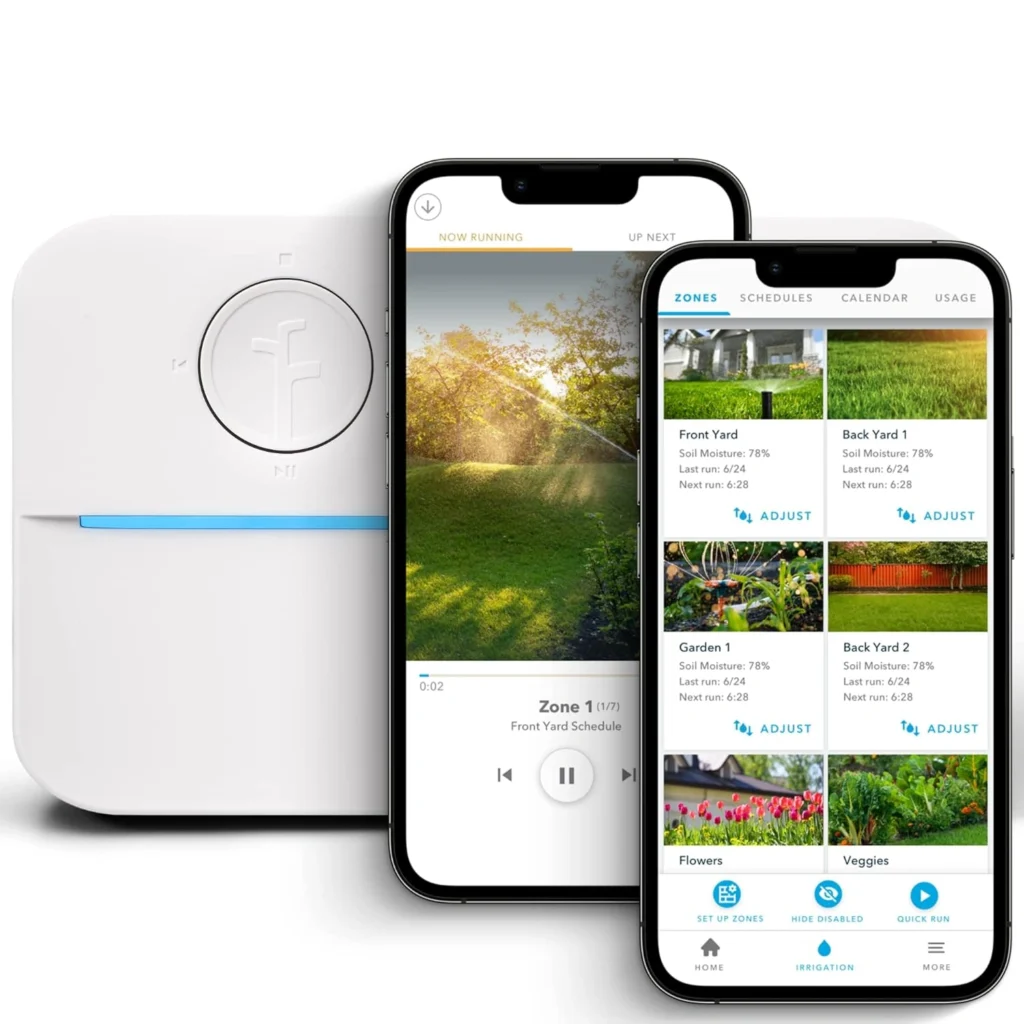
The Rachio 3 Smart Sprinkler Controller is designed to manage compatible irrigation zones through an app. Its weather-based scheduling features can help adjust watering plans according to local conditions.
Instead of relying entirely on a fixed schedule, users can manage watering remotely and review settings through the connected system.
Why consider it?
- Manage compatible irrigation zones through an app.
- Adjust watering schedules remotely.
- Use weather-based scheduling features.
- Organize watering routines for different parts of a yard.
What to check before buying: Confirm the controller’s compatibility with your existing irrigation wiring and number of zones. Weather-based scheduling depends on the system’s configuration and available local weather information.
A smart controller can help avoid unnecessary watering, but actual water savings depend on local conditions, soil, landscaping and schedule settings.
Best for: Homeowners with compatible lawn or garden irrigation systems.
Check Out : Modern Technology Gadgets
How to Choose the Right Smart Household Gadgets
Buying several connected devices at once can become expensive and unnecessarily complicated. Start with the household tasks you want to improve, then choose products that work with your existing setup.
1. Check Smart-Home Compatibility
Before buying a device, check whether it works with your preferred platform.
Common smart-home ecosystems include:
- Amazon Alexa
- Google Home
- Apple Home
- Samsung SmartThings
Matter is a connectivity standard designed to improve interoperability between supported smart-home products. However, Matter support does not guarantee that every feature will work across every platform.
Check the product’s compatibility list before purchasing.
2. Decide Whether You Need a Smart Hub
Some devices connect directly to your home Wi-Fi network and work through their own apps. Others require a separate hub, bridge or compatible controller.
For example, certain smart lighting systems offer additional features through a dedicated bridge, while some Zigbee and Thread devices need a compatible hub or border router.
If you are building a larger connected home, consider the total cost of the devices and any additional hardware.
3. Consider Subscription and Maintenance Costs
The purchase price is not always the complete cost of owning a smart device.
Some cameras offer optional cloud-storage subscriptions. Robot vacuums may require replacement filters, brushes and cleaning accessories. Smart gardens can require replacement plant pods.
Compare the long-term costs before choosing a product.
4. Review Privacy and Security Settings
Smart household gadgets may collect information about device usage, movement, home activity or video recordings.
Before connecting a device:
- Use a strong, unique account password.
- Enable two-factor authentication where available.
- Review app permissions and recording settings.
- Check whether recordings are stored locally or in the cloud.
- Install firmware and security updates.
- Disable features you do not need.
These steps help you make more informed decisions about connected devices in your home.
5. Start With One or Two Useful Upgrades
You do not need a fully automated home to benefit from smart technology.
A smart plug, smart bulb or video doorbell can be a practical first purchase. Once you understand how the devices work together, you can gradually add more connected products.
Read More: Smart Gadgets
FAQs About Smart Household Gadgets
What are the most useful smart household gadgets?
Some of the most useful options include smart plugs, smart lighting, video doorbells, security cameras, smart thermostats and robot vacuums. The best choice depends on your household needs and existing appliances.
Do smart household gadgets need Wi-Fi?
Many smart household gadgets use Wi-Fi for app-based control and remote access. However, some devices use Bluetooth, Zigbee or Thread. Certain setups also require a compatible hub or bridge.
What is Matter in smart home technology?
Matter is a smart-home connectivity standard designed to help compatible devices work across supported ecosystems. It can make it easier to connect products from different manufacturers, although individual features and integrations may still vary.
Can smart plugs reduce electricity bills?
Smart plugs can help monitor the energy use of supported connected appliances and schedule their operation. They do not automatically reduce electricity consumption. Any savings depend on how the appliance is used and whether unnecessary usage is avoided.
Are smart security cameras worth buying?
Smart security cameras can provide remote monitoring, motion alerts and video recordings. Before purchasing, compare video quality, storage options, privacy settings, subscription costs and compatibility with your existing devices.
Do smart thermostats work with every heating and cooling system?
No. Compatibility depends on the HVAC system, wiring and thermostat model. Check the manufacturer’s compatibility guide before purchasing or arranging installation.
Can smart household gadgets work without a hub?
Yes. Many Wi-Fi and Bluetooth devices work directly through their manufacturer’s app. However, some Zigbee, Thread and lighting products require a compatible hub, bridge or border router for certain features.
Are smart home devices safe for privacy?
Smart devices can introduce privacy and cybersecurity considerations because they may collect information about household activity. Choose reputable manufacturers, update firmware, use strong passwords and review recording and data-sharing settings.
Read More: Technology Guides and Gadget Insights
Final Thoughts: Build a Smarter Home One Gadget at a Time
The best smart household gadgets are the ones that solve everyday problems without making home management more complicated.
A smart plug can automate a simple appliance, connected lighting can make routines easier, a smart thermostat can help manage indoor temperatures and a robot vacuum can reduce repetitive cleaning tasks.
Before purchasing, compare compatibility, installation requirements, ongoing costs and privacy settings. Start with one or two devices that fit your household needs, then expand your setup as you become more comfortable with smart-home technology.
A smarter home does not need dozens of connected products. It needs the right gadgets working together in ways that make everyday life easier.
